
Browse & discover
Open a video website in the built-in browser.
YOUR EVERYDAY VIDEO COMPANION
Discover web videos, save them for later, or bring them to the big screen. One Android app. Your way to watch.
Available for Android 7.0+ · Contains ads
The latest app screenshots, from Google Play
TRY YOUR FIRST DOWNLOAD
Try this free sample in Video Downloader. Play it, find it, and save it for offline viewing.
Open this page in Video Downloader’s built-in browser to try downloading.
After playing, tap the video button at the top right of the app’s browser to see detected videos.
Tap play to begin.
BUILT AROUND YOUR EVERYDAY
From finding a video to watching it later, keep everything in one place.
Open a video website in the built-in browser.
Detect available videos as you browse.
Cast supported videos to Google Cast or DLNA devices.
Play saved videos offline with the built-in player.
FROM THE WEB TO YOUR WORLD
Your next offline watch is just a few taps away.
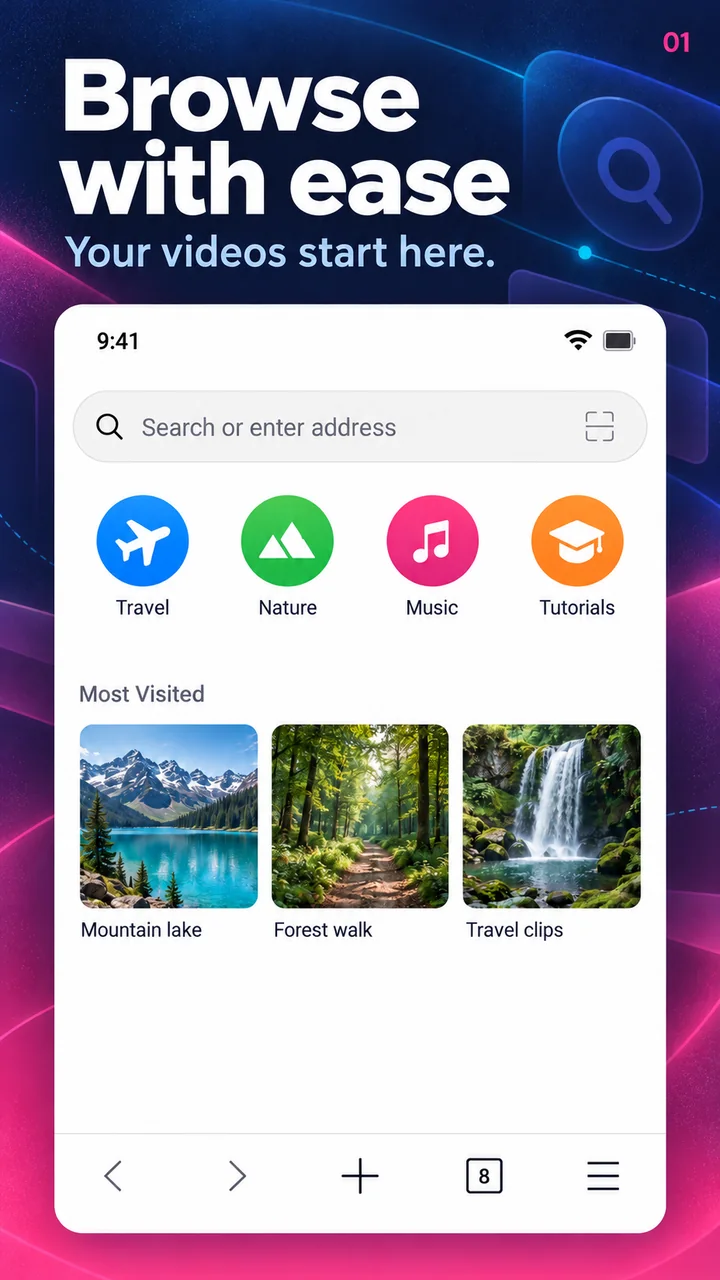
Open a website in the app’s browser and play the video you want to save.
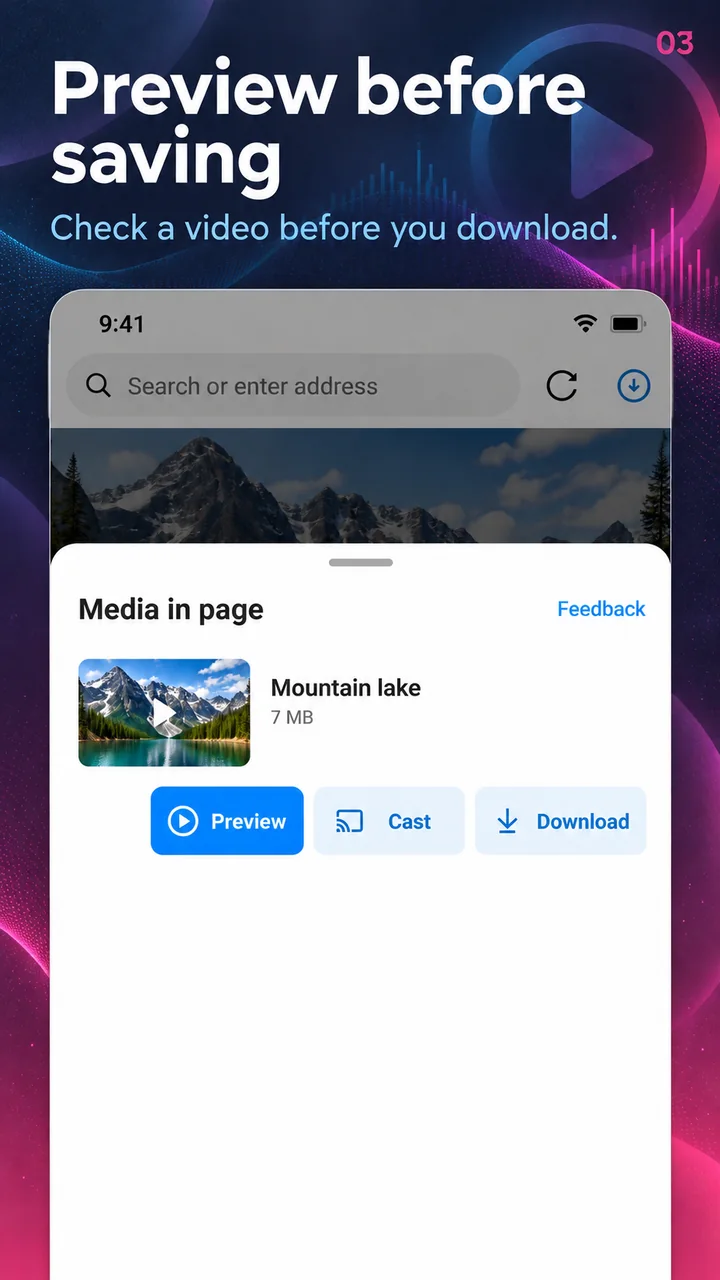
Choose from the videos detected on the page and start your download.
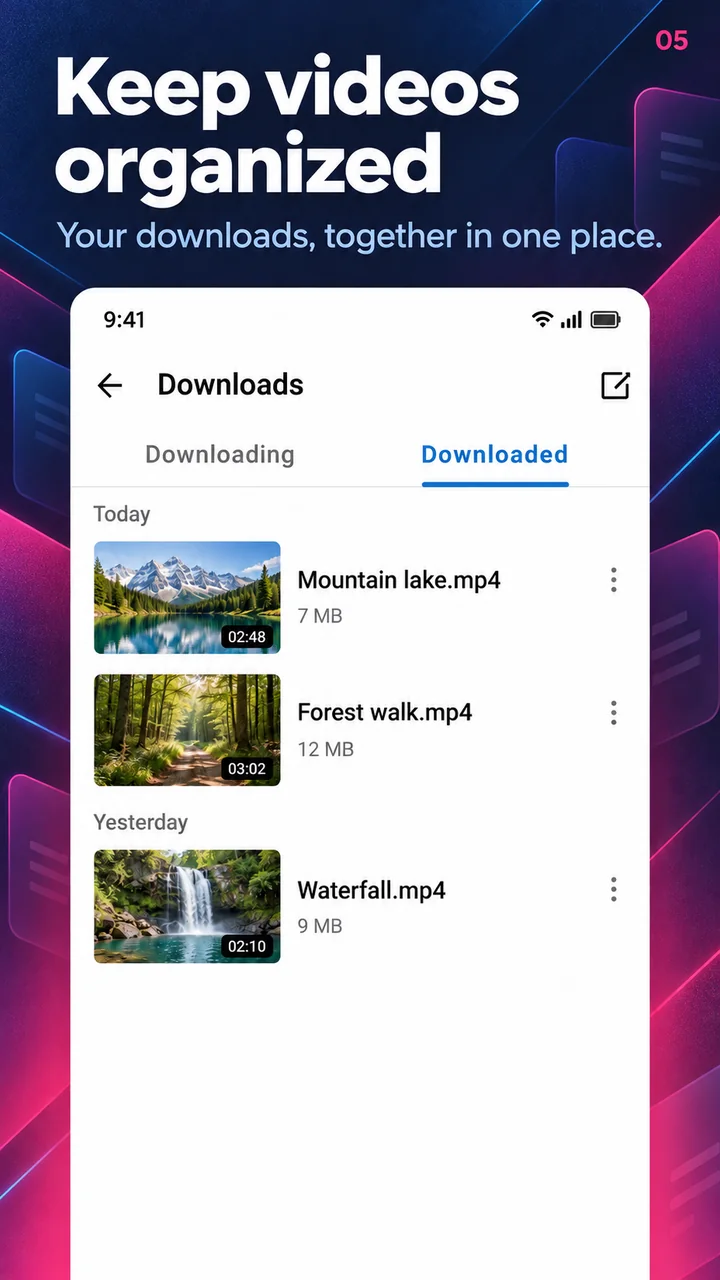
Open your downloaded videos and watch with or without a connection.
THE REAL THING
Browse the actual app screens from Google Play.
A little help?
We’re here to help you get going.
[email protected]Get the Android app from Google Play using the download button on this page. This website introduces the app; downloads happen inside the Android app.
Connect your phone and a compatible Google Cast or DLNA device to the same local network. You can cast supported web videos directly or choose a video you’ve already downloaded. Playback support depends on the receiving device.
Yes. Once a video finishes downloading, you can watch it offline using the built-in player.
Support depends on the website, video source, and format. YouTube downloads, DRM-protected content, and some live streams are not supported. For help, contact support with the website address.
Video DownloaderBring your favorites along. Get Video Downloader for Android.
Download only content you own or have permission to save. Respect creators and the terms of each website.